
A useful phone plan for Banff includes the moments when the phone cannot connect. Keep the room address, pickup instructions, map and return arrangements available offline, and understand the emergency capabilities of the equipment you actually carry. That preparation is useful for a town visit as well as a winter road or trail outing.
Full guide reviewed October 29, 2026. This guide distinguishes cellular service, Wi-Fi, stored information and particular satellite features. It does not rank carriers, measure current reception or promise a working emergency connection. No phone number, medical information, account or location is requested from you here.
Start with the place and the task
A carrier map can help you investigate a base or road corridor. It is not a reading from your room, trail or current handset. A town name, national coverage headline or a friend’s successful call does not confirm the same result for your phone and plan.
| Journey | Prepare before leaving | Do not infer |
|---|---|---|
| Town or accommodation arrival | The address, entrance, check-in and actual pickup/drop-off instructions. | Every building has working cellular reception or guest Wi-Fi. |
| A lake or resort day | The ticket, correct departure base, equipment instructions and complete return. | A ticket app will reload, every stop has signal or a charger is available. |
| Icefields Parkway or a trail | Suitable route information, current checks, supplies and a communication plan appropriate to the outing. | A coverage colour, satellite logo or parked vehicle establishes a working help connection. |
Parks Canada tells Icefields Parkway visitors to prepare for no cell service. Make that a practical part of the journey through the Parkway planner, not a promise that one particular pullout has a signal. Do not depend on an unverified emergency telephone, seasonal business or drive to the next bar of reception.
Check your own provider, device and roaming
Use the actual provider’s coverage and service information. As direct examples, TELUS’s map says its areas are approximate and services vary with location, device and plan; Bell publishes its own coverage map. These are source links, not carrier recommendations or verified Banff signal tests. Ask your provider about the specific places and functions you need.
- Compatibility: confirm that the exact handset, software and voice features are supported on the network you will use. An imported phone or data connection does not establish every calling feature.
- Roaming: check Canada coverage, the partner network, voice/text/data inclusions, activation and actual charges for your plan. A home-country plan name is not proof of Canadian service.
- Multiple lines: understand which SIM or eSIM handles calls and data, how your normal number receives messages and which settings your provider requires.
- Service status: check current provider notices before interpreting a failure as a local dead zone.
For a compatible iPhone, Apple’s cellular troubleshooting distinguishes account, carrier settings, device and network questions. Other devices need their own manufacturer’s instructions. Make these checks while help and a connection are available; do not leave essential activation until a remote departure.
For Wi-Fi, ask the actual accommodation or venue about guest access, opening, login and the task you need to perform. A more expensive room does not guarantee a faster connection. Download before departure rather than relying on a public building being open, a cafe login or an unverified visitor-centre hotspot.
Make a small, usable offline kit
Save essential material in a form you can open without data or a fresh account login. Check the actual app’s offline process and test the saved file before the outing. A screenshot can preserve an instruction, but it may not replace a provider’s required ticket format or update itself after a change.
| Item | Include | Its limit |
|---|---|---|
| Reservations and transport | The accepted ticket, confirmation, operator contact, boarding place and both directions. | Old instructions do not confirm today’s stop, departure or operation. |
| Route information | An appropriate map, profile, access notes and the intended complete return. | Downloading a road map does not supply a detailed trail map, navigation skill or permission. |
| Contacts and addresses | Accommodation, rental/transport support and relevant official emergency instructions, kept privately. | A stored number or map pin does not create a connection or send a message. |
| Paper fallback | The essential address, departure and route/contact information appropriate to the trip. | It does not update live conditions or replace preparation. |
An offline map is not a communication service. A device locating itself by satellite is not the same as sending a satellite message. Keep the downloaded data, your ability to interpret it and the communication plan as separate checks. Save private confirmation details on your own device or paper, not in this guide or a public shared itinerary.
The lake transport guide helps identify the actual departure and return to save. The ski-day planner does the same for resort check-in and equipment. Neither tool supplies a provider-issued ticket or a new operating update.
Allow for cold, battery and handling
Apple’s temperature guidance says very cold use can temporarily shorten battery life or shut the device down. Follow the temperature, storage and charging instructions for your actual equipment. A displayed battery percentage is not a promise of hours outside, and another device’s endurance figure is not yours.
Keep the equipment protected and accessible within its instructions, reduce unnecessary use and carry a suitable charged backup power source and cable where appropriate. Confirm the connector and that the charging arrangement works before travelling. Do not assume an outdoor stop, shuttle or rental vehicle supplies the required power.
Learn the device’s power-saving and radio settings in advance. A setting used to save battery can also change what the device receives or sends; do not copy a universal airplane-mode instruction while expecting incoming calls or a particular SOS function. Use the packing checklist to keep phone power alongside the outing’s warm clothing, food and other equipment.
Separate emergency calling from normal service
In an emergency, try 911 and follow the device and dispatcher instructions. Apple explains that a compatible iPhone showing SOS/SOS only in Canada may make emergency calls through other carrier networks. Losing your normal carrier is not proof that every emergency connection is impossible; it is also not a guarantee that another network or a working call is available.
The CRTC describes different wireless and other 911 services. Be ready to explain where you are and which park or route is involved rather than assuming the operator has a precise location. Do not make a test call to 911. Use the manufacturer’s actual demo or non-emergency support for preparation.
Do not assume an ordinary SMS or chat message reaches emergency services. Accessible text arrangements and supported satellite emergency messaging have their own requirements. If you need an accessible emergency-communication arrangement, check its current availability and any registration/setup with the provider before departure.
Parks’ mountain rescue guidance distinguishes device limitations and the wait for assistance. For an emergency in a mountain national park using a satellite phone, it lists +1 403 762 4506; identify the actual park and location. A satellite phone number is not an ordinary check-in service, and no device guarantees an immediate response or rescue.
Check the exact satellite feature before relying on it
Satellite SOS, routine messaging, location sharing and roadside assistance are different features. Verify the exact model, software, service region, setup and current terms. A satellite-capable phone or branded communicator is not a universal substitute for every other feature, nor does it make a route suitable.
Apple’s Emergency SOS via satellite is available in Canada on eligible iPhone 14-or-later models with required software, subject to its purchase-region and availability conditions. Its documented process concerns emergency texting when other connections cannot be used. Use Apple’s provided demo before departure; a normal SOS label and a satellite connection are not the same thing.
The separate Apple connection guide explains the need for a clear sky/horizon and the effect of trees, mountains, canyons and structures. Other Apple satellite features have their own availability. A message can be delayed or a connection unavailable; do not plan around a fixed transmission time or assume every traveller’s handset works alike.
Garmin’s suspended-service SOS guidance describes an exception for selected compatible models. It requires the specified software, Garmin Messenger setup and prior active service before the appropriate Suspend plan. Its current terms describe up to 12 consecutive months before an automatic move to the Enabled plan, not indefinite suspended service. That does not grant normal messaging on every suspended device or make cancelled, never-activated and suspended accounts interchangeable. Check the exact current device and plan instructions with Garmin; this guide gives no blanket active-subscription or free-SOS rule.
Learn the controls through the manufacturer’s permitted test/demo process, carry the equipment as instructed and keep a communication plan for the chosen outing. An equipment hire, demonstration or successful message at the hotel does not confirm a later connection in a canyon. This page sells no SIM, satellite plan or emergency device.
A practical before-you-leave routine
- Read the current notices while connected. Use dated weather and road handoffs, the actual trail/operator source and the plan’s return.
- Open the saved material. Confirm the address, appropriate map, accepted ticket and return instructions remain usable offline.
- Check the actual equipment. Charge it, confirm settings and setup, and carry the paper/power backup appropriate to the outing.
- Agree the check-in privately. Tell a trusted person your intended plan, return and what to do if you are overdue, using current official guidance.
- Change the plan when necessary. A communication gap, unsuitable conditions or incomplete preparation can be a reason to choose another outing.
A routine message to a friend is not an emergency request or a continuously monitored tracking service. Agree what the contact should do and when, rather than leaving them to interpret an absent message. The first-visit planning stages connect these checks with arrival, rooms and booked activities.
Keep room and activity searches separate from connectivity claims
If Wi-Fi matters for work or a particular task, confirm the actual property’s facilities and arrangements directly before booking; a destination search cannot establish them. Compare the actual location and room through the reviewed Banff stay comparison or Lake Louise area stays, keeping the onward journey in view.
The inherited Expedia Banff accommodation search and GetYourGuide Banff activity catalogue are affiliate links, and BanffBound may earn a commission if you book. They are ordinary accommodation/activity searches, not verified connected rooms, mobile plans, guided communications support or emergency equipment. Inspect the actual provider’s product and terms; no SIM comparison or new merchant offer is supplied here.
Connectivity questions
Which phone carrier guarantees coverage in Banff?
This guide gives no carrier a coverage guarantee or ranking. Check your own provider’s current map, device compatibility, roaming arrangement and service status. A mapped area does not establish reception inside a building or along every trail. Parks Canada tells Icefields Parkway visitors to prepare for no cell service, so save essential information before leaving a connection.
Does an offline map let me call or message without service?
No. Saved maps and documents are stored information; they do not create a cellular, Wi-Fi or satellite connection. Confirm the map is actually downloaded and usable without data, and carry suitable route information and navigation skills. A map location indicator is not a sent message, rescue request, current closure report or permission to follow a route.
Should I try 911 if my own carrier has no signal?
In an emergency, try 911 and follow the device and dispatcher instructions. A compatible phone may use another available carrier network; absence of your normal service does not prove that every emergency connection is impossible. It also does not guarantee a call will connect. Satellite SOS is a separate supported feature with its own device, software, location and connection requirements.
Can every satellite device use SOS with a suspended plan?
No. Garmin documents a suspended-service SOS exception for selected compatible models with required software, Messenger setup and prior active service before using the appropriate Suspend plan. Older models and ordinary messaging have different conditions. Check the current instructions for the exact device, account and plan; do not generalize one provider’s exception to another device or brand.
Can I assume my hotel or a public building supplies reliable Wi-Fi?
Ask the actual property or venue about guest access, opening, login and the connection needed for your task. A public listing or higher room price does not establish speed or working Wi-Fi in your room. Save tickets, addresses, maps and private contact information before departure, and keep a paper fallback for essential instructions. This guide does not collect your phone, account or location details.
Sources and review
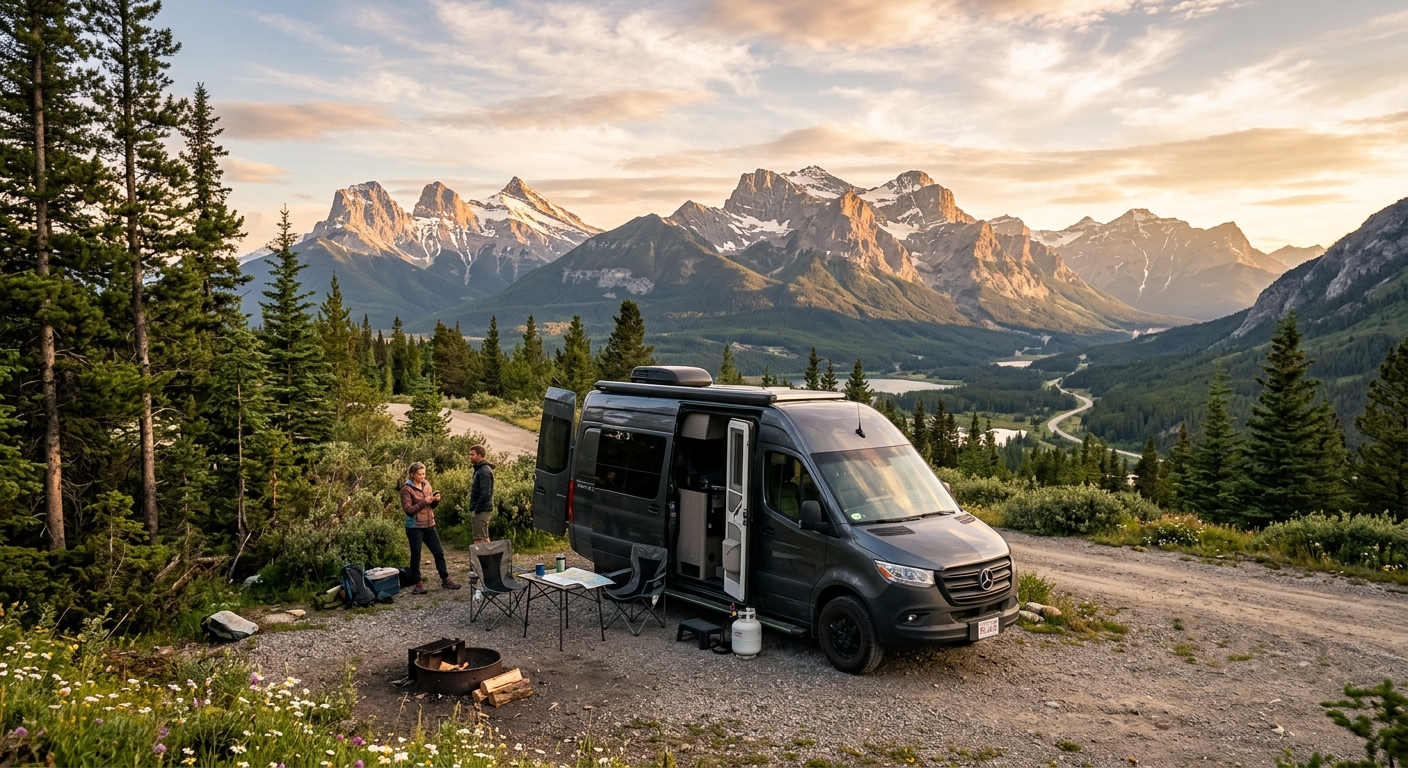
Full guide reviewed October 29, 2026. Sources are Parks Canada, the CRTC, the named carriers and the actual device manufacturers. Coverage, plan and feature information is source-dated and must be checked for your own equipment and journey; no live signal test, provider account access or emergency response is performed by this guide. The hero is illustrative, not verified as a named place, coverage area or current conditions.
Enjoyed this guide? Get weekly Banff tips.